Dots360 Common Errors
This page covers common errors encountered in Dots360 and how to resolve them.
Sign-in and Account Issues
Company account locked
Symptoms:
You see a message saying “Company account locked” and you are unable to access the system.
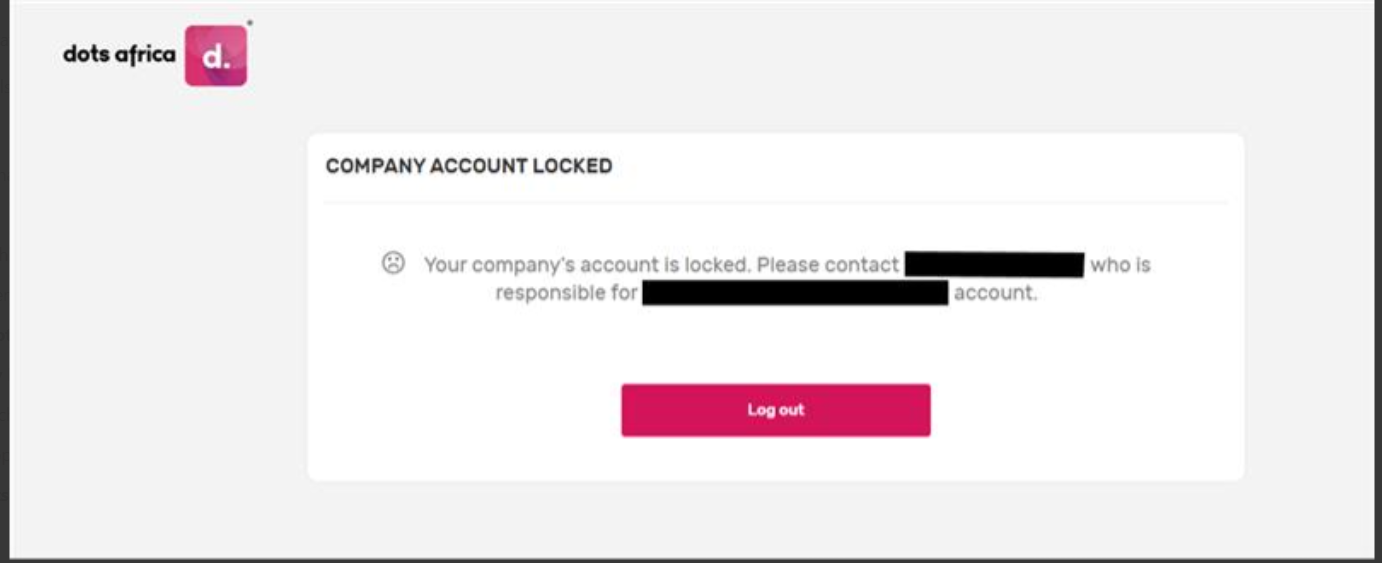
Causes: Your company’s Dots360 account has been locked, for example because of an outstanding account matter or an administrative hold.
Solutions:
- Contact the person named in the message, who is responsible for your company's account
- If you need further help, contact support
Two-factor code not received or not accepted
Symptoms:
You are not receiving a one-time code when you sign in, or the code from your authenticator app is not being accepted.
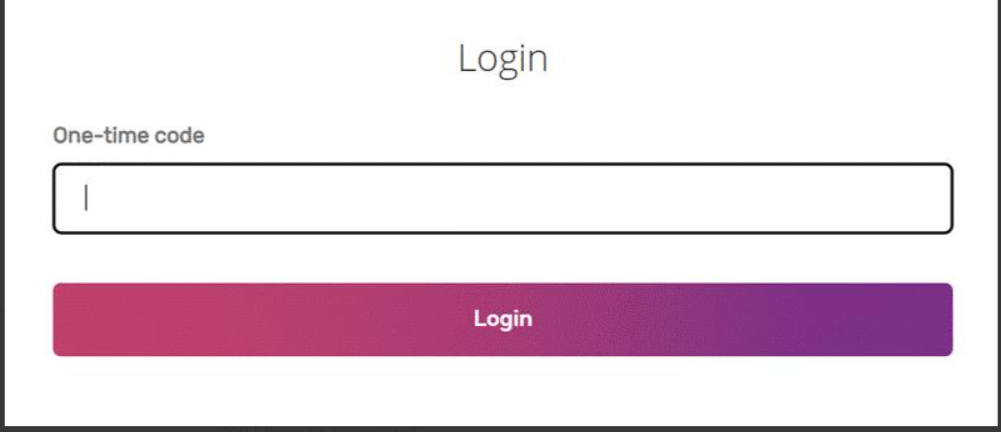
Causes:
- Your authenticator app has been removed or your phone has been replaced
- The email code went to your spam or junk folder, or has expired
- Your phone's clock is out of sync (for authenticator apps)
- Several wrong codes in a row have temporarily locked your account
Solutions:
- Authenticator App: Enter the code currently shown in the app. If codes are rejected, set your phone's date and time to update automatically, then wait for the next code rather than entering the same one again.
- Email Code: Check your spam or junk folder. Email codes are valid for 5 minutes; use Resend code after one minute if it does not arrive.
- Security Key / Biometric: Make sure your security key is connected, or that your device's fingerprint, face or PIN unlock is set up, and that you are using an up-to-date browser.
- If you cannot use your usual method, choose Try Another Way and then Email code, if your organisation allows email codes.
- If you still cannot sign in, contact your organisation's administrator, who can confirm your identity and arrange for your two-factor authentication to be reset. See Two-Factor Authentication.
You do not have a Dots360 account yet
Symptoms:
When you try to sign in, you see a message saying you don't have an account yet.
Causes:
No Dots360 user account has been set up for your email address yet.
Solution:
Ask your company's Dots360 administrator to invite you. Once your account is created and activated, you will be able to sign in.